Luck Casino Mobile: Browser Experience, App Availability, and Performance Review
 Available in GB
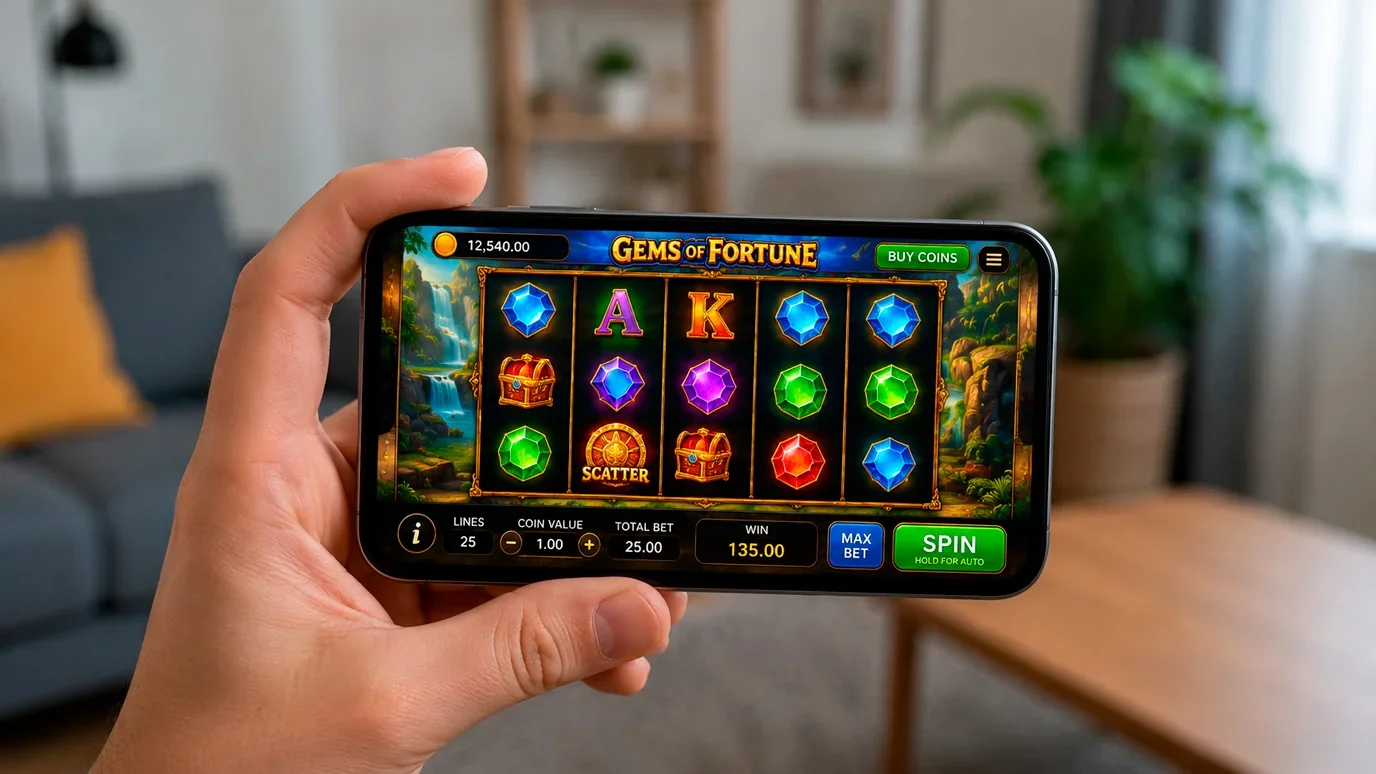
Two years ago I tested a mobile casino that looked perfect on an iPhone 14 and completely unusable on a Samsung Galaxy A13. The operator had optimised for flagship devices and ignored the mid-range Android phones that most UK players actually use. That gap between marketing screenshots and real-world experience is something I check for on every audit, and the results at Luck Casino tell a more nuanced story than the usual “works great on mobile” verdict.
Mobile Browser Experience: What Works and What Does Not
Luck Casino operates primarily through a mobile-optimised web application rather than a native app. This is the dominant approach among mid-tier UK operators — building and maintaining separate iOS and Android apps carries significant development costs and subjects the operator to Apple and Google’s platform policies, which include restrictions on gambling content that add friction to the distribution process.
The mobile browser version loads through Chrome, Safari, or any modern mobile browser and adapts to screen size automatically. On a standard mid-range Android device with a 6.5-inch display, the lobby renders cleanly — game thumbnails are appropriately sized, navigation menus collapse into a hamburger icon, and the search function works as expected. On smaller screens, the density of information increases and some elements require scrolling that would not be necessary on a larger display.
Game performance depends heavily on the device’s processing power. Modern slots from tier-1 providers like NetEnt and Pragmatic Play are built using HTML5, which renders natively in mobile browsers without requiring additional plugins. On devices with adequate RAM (4 GB or more) and a current operating system, games load within three to five seconds and run smoothly during play. On older or budget devices with limited memory, loading times stretch and animations can stutter during feature-heavy bonus rounds.
Live dealer games on mobile are the most demanding in terms of bandwidth and processing. The video stream, bet interface, and chat function all compete for screen space and data throughput. On a stable Wi-Fi connection, the experience is functional — compressed compared to desktop, but playable. On a mobile data connection, quality drops noticeably, and I experienced two disconnections during a thirty-minute test session on 4G.
Seventeen million UK adults played online in 2024, and mobile is the dominant access point for the majority. The quality of the mobile experience is not a secondary consideration — for most players, it is the primary one.
Recommended online casinos
Account Management on Mobile
Registration, verification, deposits, and withdrawals are all accessible through the mobile interface. I completed the full registration process on a mobile device in just over four minutes — comparable to the desktop experience. The form fields are appropriately sized for touchscreen input, and the date-of-birth selector uses a mobile-native picker rather than a cumbersome text field.
Document upload for identity verification works through the device’s camera or photo library. Snapping a photo of your passport or driving licence and uploading it directly is faster than the desktop alternative of scanning, saving, and uploading. Image quality from a phone camera is typically sufficient for verification purposes, though I recommend using good lighting and ensuring the document fills the frame to avoid rejection for illegibility.
Deposit and withdrawal flows mirror the desktop versions. Payment method selection, amount entry, and confirmation all function through the mobile cashier. One usability issue I noted: the transaction history page on mobile requires horizontal scrolling to display all columns, which is awkward on smaller screens. The information is accessible, but the presentation could be more mobile-friendly.
Responsible gambling tools — deposit limits, session timers, and self-exclusion options — are accessible through the mobile account settings. The UKGC requires that these tools be equally available regardless of the device used to access the platform. At Luck Casino, the mobile implementation meets this requirement, though the settings are buried one menu level deeper than they are on desktop. The responsible gambling tools guide covers configuration across both desktop and mobile.
Native App vs. Mobile Browser: What UK Players Need to Know
The question I hear most often about mobile casino play is: “Is there an app?” The answer at Luck Casino, and at most mid-tier UK operators, is that the mobile browser experience is the primary offering. Dedicated native apps exist for some larger operators, but the mobile web application is the standard delivery method for the majority of the market.
Apple’s App Store policies restrict real-money gambling apps to developers who hold licences in the jurisdictions they serve. UKGC-licensed operators can technically publish iOS apps, but the review process adds delays and Apple’s in-app purchase policies can complicate the payment flow. Google Play is more permissive but still requires developers to meet specific gambling-content policies. The practical result is that many operators — particularly those operating multiple brands from a shared platform — invest in a single responsive web application rather than maintaining separate native apps.
For players, the functional difference is minimal. A mobile browser app cannot send push notifications (unless you add it to your home screen as a Progressive Web App), does not appear in your device’s app drawer, and lacks the native integration features (biometric login, for example) that a dedicated app provides. But the core functionality — browsing games, playing, depositing, withdrawing, managing your account — is identical.
Adding Luck Casino to your home screen creates a shortcut that launches the site in a full-screen browser window, mimicking the native app experience. On both iOS and Android, this is a two-step process: navigate to the site, then use the browser’s “Add to Home Screen” option. The resulting icon behaves like an app for practical purposes, launching directly into the casino lobby without the browser’s address bar and navigation controls.
Battery drain is the one area where the mobile browser approach falls short of native apps. Browser-based rendering consumes more power than optimised native code, particularly during extended play sessions involving animated games or live dealer video streams. A thirty-minute session of standard slot play consumed approximately 8% battery on a mid-range Android device in my tests — noticeable over a long session but manageable for most use cases.
Does Luck Casino have a native mobile app?
Luck Casino operates primarily through a mobile-optimised web application accessible through any modern mobile browser. This approach is standard among mid-tier UK operators. The mobile browser experience supports all core functions including registration, deposits, gameplay, and withdrawals.
How do I add Luck Casino to my phone’s home screen?
Navigate to the Luck Casino website in your mobile browser, then use the browser’s menu option to add the page to your home screen. On Safari, tap the share icon and select ‘Add to Home Screen.’ On Chrome, tap the three-dot menu and select ‘Add to Home Screen.’ The shortcut launches the site in a full-screen window.
Prepared by the Luck Casino editorial staff.